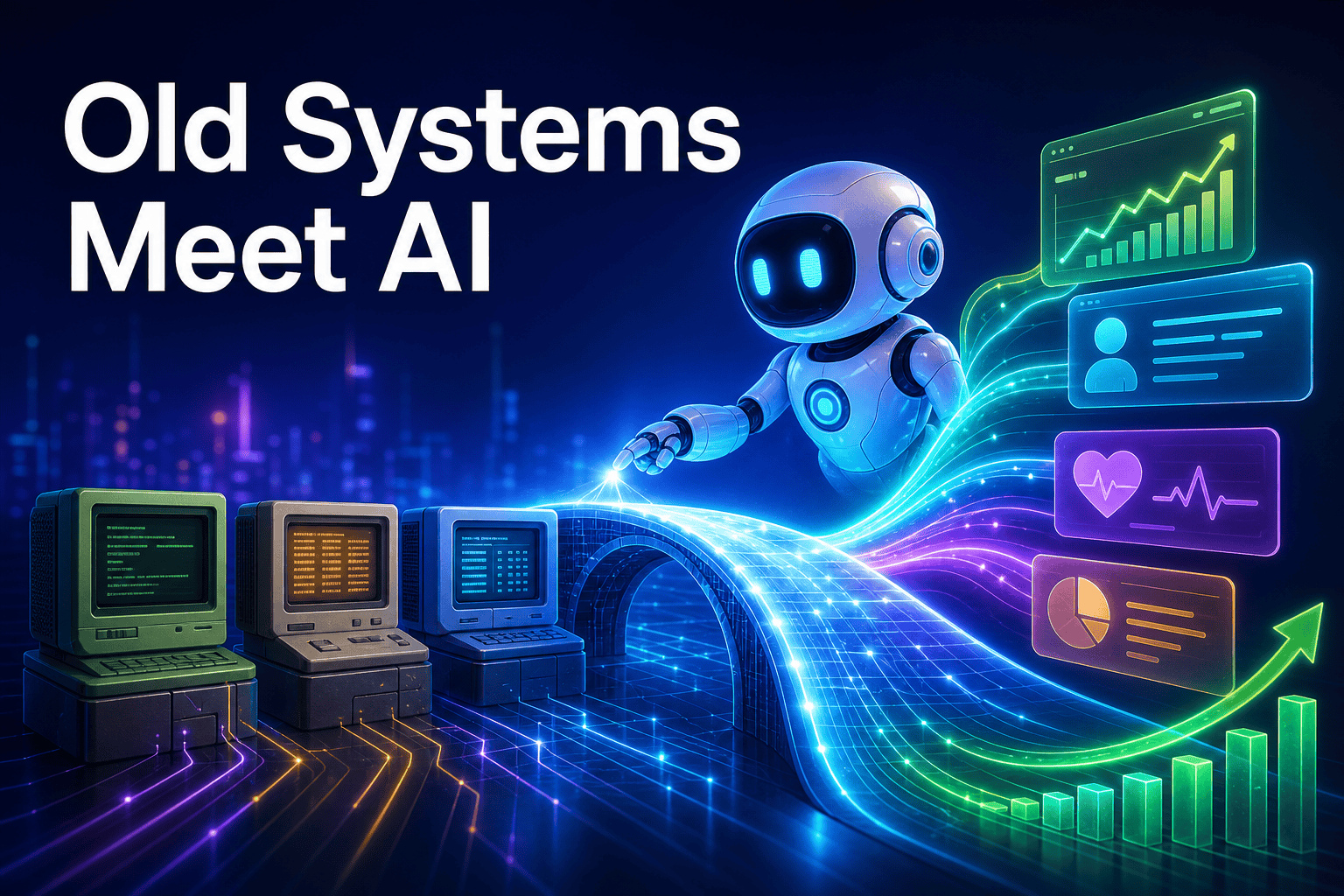
Pomerado, a Y Combinator startup, says it can turn older web portals and internal tools into structured APIs or Model Context Protocol endpoints in minutes. In plain English, that means software that normally forces a person to click through old screens could become usable by an AI agent instead.
That matters because most companies do not run on a perfectly modern stack. They run on a mix of SaaS apps, supplier portals, internal dashboards, and older systems that were never built for automation. If ai agents for business are going to be useful outside polished demos, they need a way into those systems too.
What Pomerado actually announced
Pomerado says it can automate workflows in ERP, EHR, and CRM systems by connecting AI agents to older web portals without official APIs. Its pitch is simple: instead of waiting for a vendor to offer a modern integration, it creates a structured layer on top of the website so an agent can use it more like a tool than a fragile webpage.
The company describes this as a way to turn any website into an MCP server or API. That is the part worth paying attention to. Many business systems still live behind logins, forms, and dated interfaces, and those systems often become the bottleneck when teams try to automate routine work.
Pomerado is still early. It is a two-person YC F26 startup, and the company is positioning itself with claims around speed, lower cost, and better accuracy than browser-based agent tools. It has also open-sourced its core integration harness, which suggests it wants developers and IT teams to test the approach quickly rather than wait for a long enterprise sales cycle.
Why this matters beyond large enterprises
The headline examples in the news are enterprise-heavy: hospital records, procurement systems, and older CRM environments. But the real lesson is much broader. Small and midsize businesses run into the same problem whenever a key workflow lives inside a portal that employees have to open, search, copy from, and manually update.
This is where the usual ai agent vs chatbot conversation gets more practical. A chatbot can answer questions. An agent becomes more valuable when it can log in, read status, move data, and complete a task across business tools.
Common examples look very ordinary:
- supplier or distributor portals with no usable API,
- shipping and logistics dashboards that require manual lookups,
- insurance or finance portals where staff copy details into another system,
- industry-specific software that works fine for humans but not for automation.
For many owners, the promise of ai automation for small business has been limited not by model quality but by access. If a workflow breaks the moment it reaches an old portal, the team is back to copy-paste work. That is why this news matters even if you are nowhere near Fortune 500 scale.
Why MCP is the more important signal
The deeper story here is not just “AI can click old websites.” It is that older systems may be wrapped into a standard interface through model context protocol. When that happens, the tool becomes easier for different assistants and workflows to use consistently.
If that sounds technical, here is the business version: MCP servers make it easier to expose business actions and data in a way AI systems can understand. That matters if you want to connect ChatGPT to business tools or connect Claude to your CRM without building a one-off script for every task.
Once a legacy portal behaves like a structured tool instead of a maze of clicks, it stops being a dead end and starts becoming part of your AI workflow.
There are now three broad ways companies think about this problem:
| Approach | What it gives you | Best fit | Main trade-off |
|---|---|---|---|
| Official API integration | Stable, clean connection to a system | Core software with strong vendor support and a development budget | Can be slow and expensive to build or expand |
| Browser-only automation | Fast way to automate visible website actions | Simple, repetitive workflows on modern sites | Can be brittle when layouts or page flows change |
| Portal-to-API or portal-to-MCP layer | Structured access over older sites that have no modern interface | Legacy systems people use every day but cannot integrate cleanly | Needs real-world testing for reliability, security, and change management |
Pomerado says its approach is faster, cheaper, and more accurate than browser agents for this use case. The exact numbers matter less than the shift in direction: businesses want ai agents without coding every integration from scratch, and MCP-style connections are becoming one practical way to get there.
How owners should think about adoption right now
The smart takeaway is not that every legacy system is suddenly easy. It is that old software should no longer be dismissed as “not automatable.” For an ai employee for business, access to the right tools is often more important than having the flashiest model.
If you are evaluating this category, start with one workflow rather than a grand transformation plan. A good first candidate is a task that is repetitive, browser-based, and annoying enough that someone is already doing it the same way every day.
Questions worth asking before you test
- Which portal-based tasks consume time every week?
- What permissions would an agent need, and what should remain human-approved?
- How will you monitor errors, UI changes, and exceptions?
- Do you need read-only access first, or full task execution?
The same logic applies to the broader world of ai employees. The best results usually come from narrow operational jobs: pulling a report, checking order status, updating a record, or preparing a draft for a person to review. That frees up time without forcing your team into risky all-or-nothing automation.
What this means for your business
This news points to an important shift in ai trends for small business: the next wave of useful AI is not only about better chat. It is about better access to the messy business tools companies already depend on.
If your team still jumps between portals, retypes information, or waits on custom integrations before it can automate anything, that assumption may be getting outdated. You may not need a perfectly modern stack to start using an ai workforce in practical ways.
A simple next step is to list three workflows that currently live inside browser-based systems. Then separate them into customer-facing work, internal ops, and back-office admin. That will help you decide whether you need a front-desk style assistant, a task-oriented agent, or a tool connector layer first.
If you want an accessible place to start, botb2b.ai is an international platform with AI employees: an AI front desk for your website chat widget and Telegram, a free CRM with task boards, a catalog of AI models, and MCP servers that connect assistants like Claude and ChatGPT to business tools without hiring a developer. That does not replace careful workflow design, but it does make the first step much easier for teams that want modern AI tools without a long buildout.
The big idea is simple: legacy software is still where a lot of business happens. The companies that figure out how to connect AI to those systems cleanly will have a much more useful automation stack than the ones waiting for every vendor to ship an API.