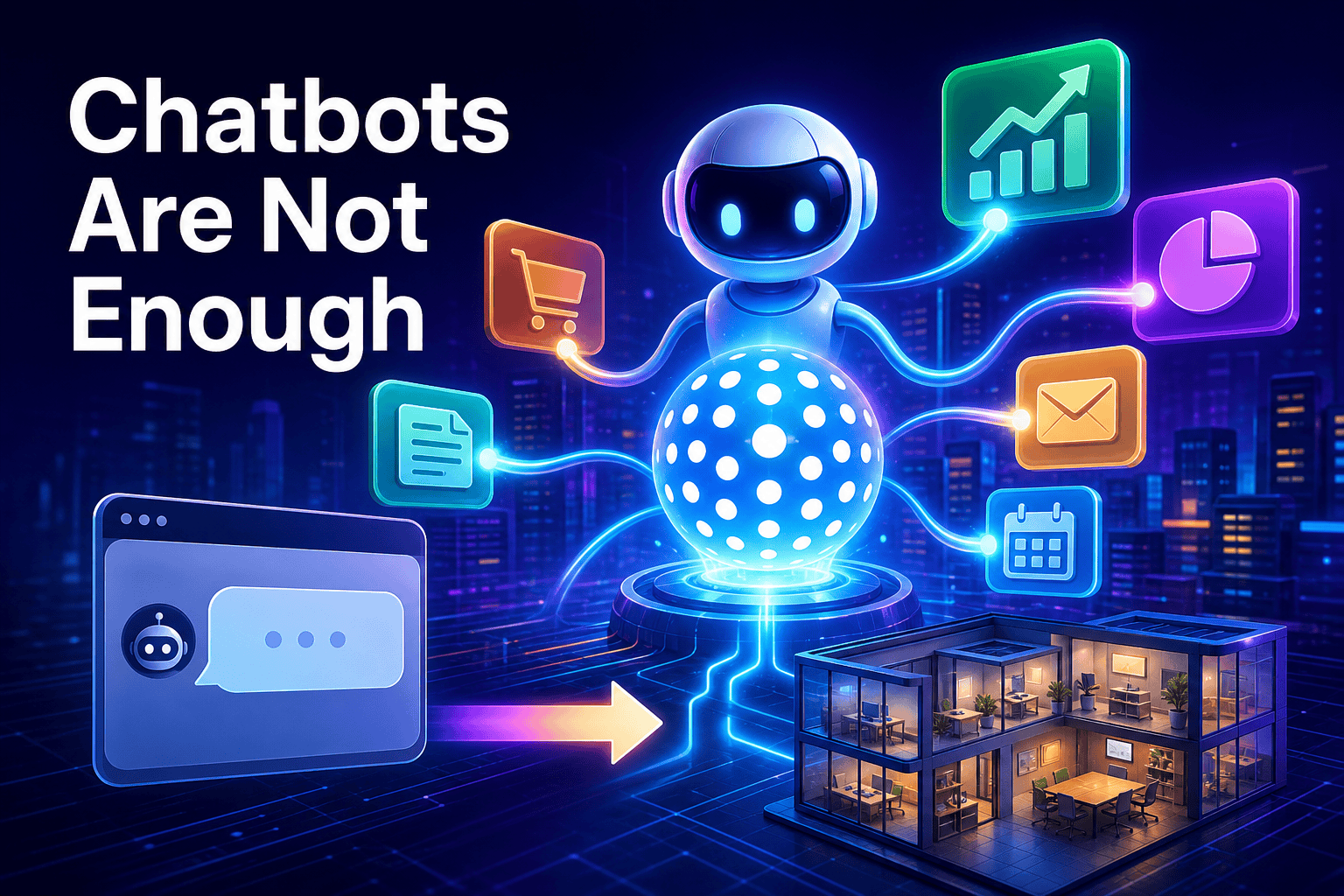
OpenAI has introduced Dots, an enterprise-focused agent platform designed to work inside desktop apps and cloud tools. That matters because it pushes the conversation about ai agents for business beyond chat and toward real task execution. For small and medium business owners, the useful question is not whether to copy OpenAI's setup today, but which parts of your workflow are ready for supervised automation.
What OpenAI actually launched with Dots
Dots is being positioned as an ai agent platform for proactive tasks, research, and workflow automation. According to the early details, users can watch the agent operate software inside a virtual machine interface, and the platform can work with desktop apps and cloud systems rather than staying inside a chat window.
OpenAI also showed practical integrations aimed at workplace use. Dots comes with access to tools such as Blender and GIMP, and it can integrate with a user's local desktop environment through the ChatGPT application. While it includes customizable avatars, the bigger story is workflow automation, not consumer-style personality.
The rollout is also a clue. OpenAI is starting with higher-tier accounts, including the $100 per month Pro tier, which makes the launch feel enterprise-first from day one. In plain English: this is not being introduced as a casual helper for random tasks, but as software meant to handle professional work under supervision.
Why this is bigger than another chatbot
Many businesses already use chatbots to answer questions, route leads, or support customers after hours. Dots points to the next step in the ai agent vs chatbot shift: an agent does not just talk about a task, it can move across tools and attempt the task itself.
That distinction matters because ai customer support and back-office automation are not the same thing. A website chatbot is often great at answering FAQs or collecting lead details. An agent platform becomes relevant when the work requires opening tools, checking files, updating systems, or moving through a multi-step process.
| Area | Typical chatbot | Agent platform like Dots |
|---|---|---|
| Main role | Answer questions in chat | Take actions across apps and workflows |
| Where it works | Website widget or messaging interface | Desktop apps, cloud tools, and observed environments |
| Best early use | FAQs, lead capture, basic support | Research, proactive tasks, structured multi-step work |
| Rollout style | Broad and easy to access | Higher-tier, enterprise-first, more supervision needed |
The real shift is simple: businesses are moving from AI that answers to AI that can act inside software.
For most SMBs, this does not make chatbots obsolete. It means the stack is getting layered: one tool handles customer conversations, while another handles the work that happens after the conversation. That is why this launch is important even if you are not planning to use Dots itself.
Where an agent platform helps first
The source notes that Dots performs better in structured workflows than in unpredictable public-web tasks. Examples included website redesign work, managing video editing assets, and deploying backend changes. That pattern is useful for any owner evaluating ai employees: start with work that has clear steps, defined tools, and obvious approval points.
- Research and preparation: gathering materials, reviewing sources, or preparing draft outputs before a person makes the final decision.
- Multi-app operations: work that requires moving between files, dashboards, design tools, and internal systems in the right order.
- Internal project support: repetitive tasks inside marketing, content, operations, or web updates where progress can be monitored.
This is also where many owners should separate customer-facing needs from operational needs. If your immediate problem is answering common questions, a website assistant is usually the simpler starting point. If the real bottleneck is what happens after the question is answered, then an agent platform becomes more interesting.
In other words, the best early wins tend to be on the inside of the business. Instead of asking an agent to handle everything, ask it to support one narrow workflow that already exists and already has human oversight.
What could still slow adoption
The early testing described in the report was mixed. Because Dots runs through cloud infrastructure and a browser footprint, it can run into automated security checks, mouse-hold verifications, and login loops on third-party sites. When that happens, manual intervention is still part of the process.
That limitation matters more than the avatar design or launch buzz. An agent can look impressive in a demo, but reliability is what determines whether it becomes real business software. The fact that OpenAI is doing a higher-tier rollout first also suggests the company knows these tools are most useful where budgets, oversight, and defined workflows already exist.
For SMB owners, the takeaway is healthy realism. Agent systems are getting more capable, but they still need clean permissions, sensible boundaries, and a person who can step in when another platform throws up friction.
What this means for your business
OpenAI Dots is a useful signal about direction, not a command to rebuild your operations overnight. The market for ai agents for business is moving toward tools that do more than chat, but the practical path for smaller companies is still to start small and stay specific.
- Separate chat from action. Decide whether you need better conversations, better execution inside tools, or both.
- Choose one repeatable workflow. Pick a task that happens often, follows clear steps, and already has a human owner.
- Keep approvals in the loop. Anything involving logins, publishing, or system changes should have review points.
- Plan your connections early. If you want assistants to work across your stack, mcp servers and the model context protocol are becoming the practical layer to watch.
For many SMBs, a full desktop-style agent will not be the first move. A lighter setup can be more useful: for example, botb2b.ai is an international platform with AI employees, an AI front desk for your website chat widget and Telegram, a free CRM with task boards, a catalog of AI models, and MCP servers that help connect ChatGPT to business tools without hiring a developer.
The bigger lesson from Dots is not that every business suddenly needs an autonomous operator. It is that business software is being redesigned around delegation. The companies that benefit most will be the ones that map a real workflow, connect the right tools, and hand off the boring parts first.