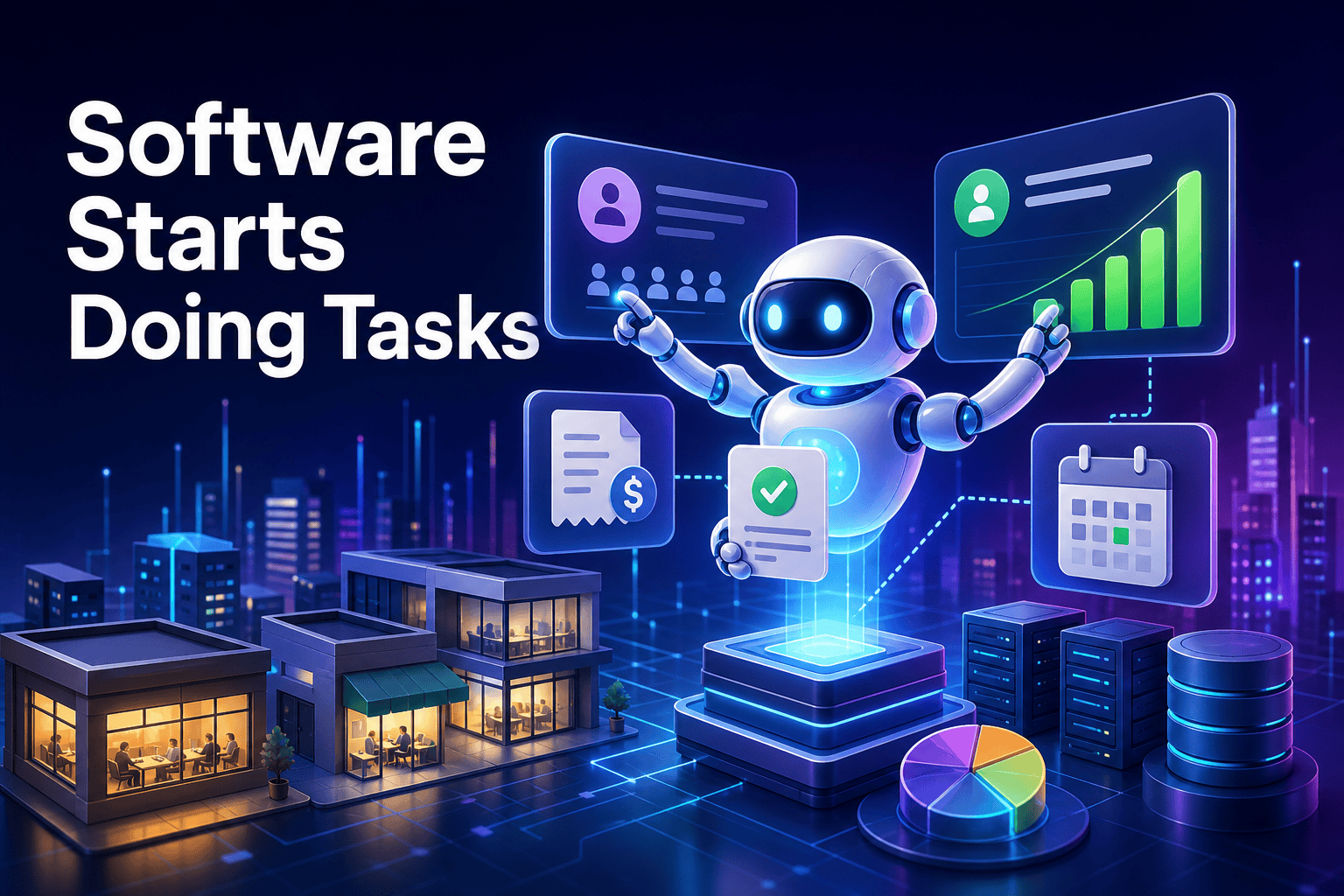
Workday is turning natural-language tasks into everyday software
Workday says it is rolling out Sana across its enterprise suite, letting employees handle things like expenses and leave requests in plain language. That may sound like a product update for large companies, but the bigger signal is that natural-language tasks are becoming part of everyday business automation, not a side feature.
For years, business software trained people to think in forms, menus, and approval screens. This move suggests the interface is changing. Instead of learning where a task lives, users increasingly start with a request, and the software figures out the path.
Why smaller businesses should care
If you run a small or midsize company, you may not use Workday. But you probably deal with the same kind of friction: expense questions, leave tracking, approvals, internal handoffs, and repetitive admin that steals attention from sales, service, and operations.
The real opportunity is in internal workflows, not just flashy demos. When routine requests are easier to start and easier to route, teams spend less time hunting through tools and more time on work that actually needs judgment.
That is why this news matters beyond HR and finance. It shows AI moving closer to the point of action, where a request turns into a task, record, or approval instead of stopping at an answer.
The important shift is not that software can chat. It is that an AI system can understand a request, find the right context, and trigger the right workflow.
AI agent vs chatbot: what changed
A lot of owners still hear this kind of news and think it is just another chatbot story. It is not. The useful ai agent vs chatbot distinction is simple: a chatbot mainly answers questions, while an agent can work across tools and move a task forward within the rules you set.
That difference matters because most businesses do not need more conversation for its own sake. They need fewer manual steps, better handoffs, and a cleaner way to turn everyday requests into action.
| Approach | How work gets done | Main limit | Best use |
|---|---|---|---|
| Traditional software flow | Users click through menus, forms, and approvals | Requires training and constant attention | Structured tasks handled manually |
| Basic chatbot | Users ask questions and get answers | Usually stops at information | FAQ and simple guidance |
| AI agent platform | Users make a request in plain language and the system works across tools | Needs permissions, guardrails, and good connections | Repeatable workflows and first-line handling |
This is why the current wave of ai agents for business feels different. The conversation is no longer the product by itself. The conversation is becoming the front door to actions, approvals, records, and follow-up.
The missing piece is connection
To make this work outside a closed demo, an AI system needs access to business context. That is where mcp servers and the broader model context protocol come in. In simple terms, they give AI assistants a standard way to reach the tools and data they need.
For an owner, the value is not technical elegance. The value is being able to connect ChatGPT to business tools or give Claude secure access to workflows without building a custom integration every time. That is how you move from a clever assistant to something usable during the workday.
This is also why smaller companies often look for an ai agent platform instead of a full custom project. A platform such as botb2b.ai takes this practical route: it brings together AI employees, an AI front desk for your website chat widget and Telegram, a free CRM with task boards, a catalog of AI models, and MCP servers that connect assistants to business tools, all without hiring a developer.
You do not need enterprise complexity to apply the same idea. The pattern is straightforward: start with one recurring request, give the AI the right context, and let it handle the first step cleanly.
What this means for your business
The Workday rollout is a sign of direction, not just a vendor feature. Business software is moving from screens people operate manually to systems that respond to plain-language intent. For SMBs, that opens the door to AI employees that free up your team from repetitive coordination.
A smart response is to stay narrow and practical:
- Pick one repeated workflow. Start with something boring and frequent, such as internal requests, basic customer intake, or document-based answers.
- Decide where requests should begin. That could be your website chat widget, Telegram, or an internal assistant used by staff.
- Connect the AI to real context. Documents, CRM records, task boards, and approved business tools matter more than generic model output.
- Set clear boundaries. Define what the AI can answer, what it can do, and when a human should step in.
- Review outcomes regularly. Look at answer quality, handoffs, and where people still get stuck.
If you have been treating AI as a content toy or a website add-on, this news is a reminder to think bigger. The next useful layer is not more chatter. It is an ai agent for small business that helps run real workflows across your tools, one practical use case at a time.