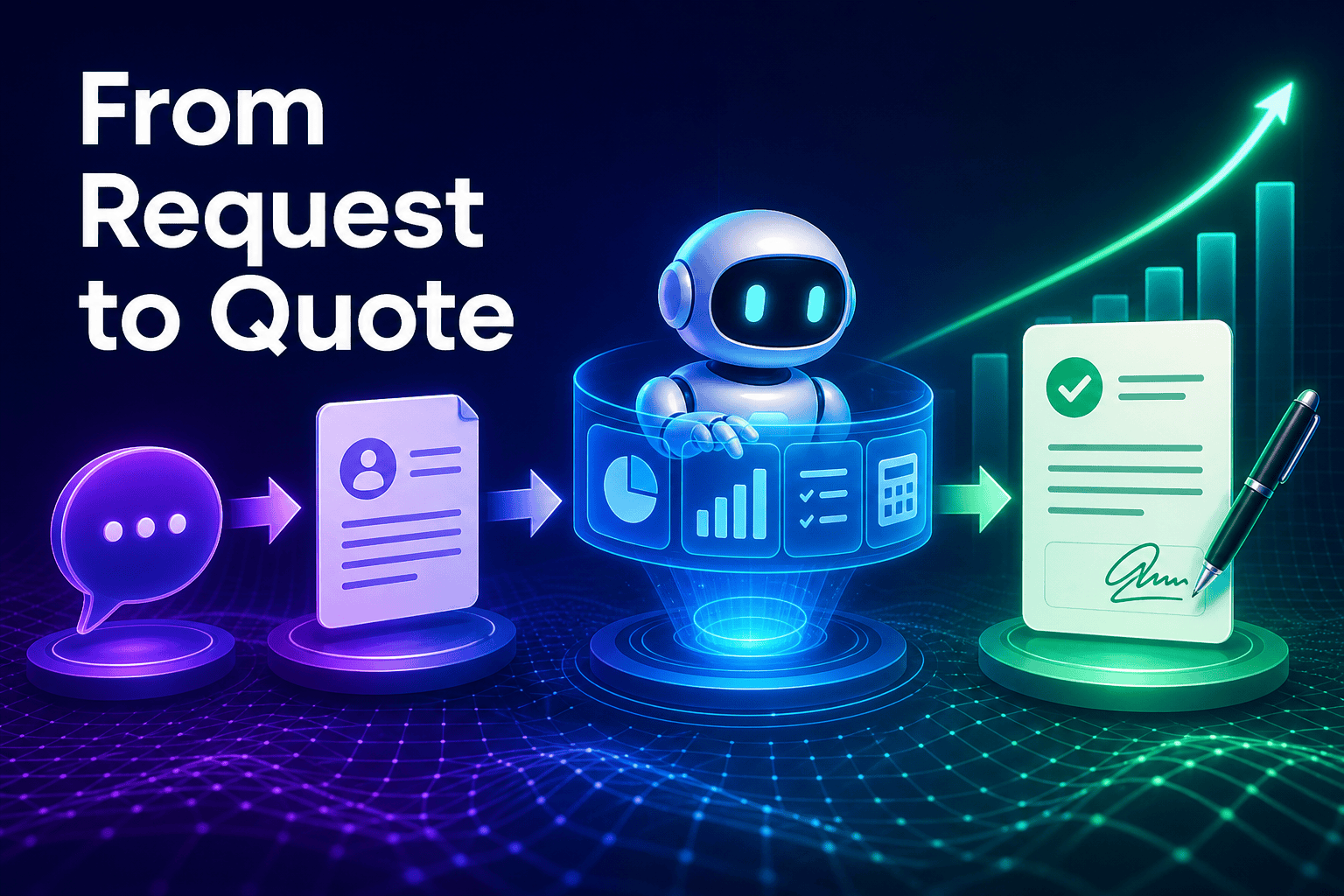
Onpipeline has introduced a CRM AI feature that can turn a single customer request into a sales quote ready for e-signature. For small and medium-sized businesses, that matters because quoting is often where momentum gets lost: someone has to interpret the request, collect the right details, format the quote, and send it out without delay.
This is a useful example of ai automation for small business becoming more concrete. Instead of using AI only for brainstorming or email drafts, vendors are now placing ai agents for business inside the workflows that directly affect revenue.
What Onpipeline actually launched
According to the announcement, Onpipeline’s new feature works inside the CRM and can take one incoming request all the way to a quote that is ready for e-signature. In plain language, it tries to compress a multi-step sales admin task into one guided action.
That makes it closer to an ai sales agent than a simple writing helper. The important part is not just generating text, but moving a real sales document toward a decision point.
For owners, this is where the current wave of ai agents for business becomes easier to evaluate. If the tool can reduce the number of handoffs between inbox, spreadsheet, and CRM, it is solving a business problem rather than adding another dashboard.
Why quoting is a strong use case for an AI agent for small business
Quoting looks repetitive from the outside, but it usually includes hidden judgment. A team has to understand what the buyer needs, match that request to products or services, apply the right terms, and present the result clearly enough that the customer can approve it without confusion.
That is why this is a strong use case for an ai agent for small business. It frees up your team from rebuilding standard quotes by hand and helps keep deal momentum when a prospect is ready to move.
It also shows the difference between a basic chatbot and an agent in practical terms. A simple bot can answer a question, while an agent is expected to complete a business task inside a workflow.
The bigger shift is not that AI can write a quote. It is that AI is being embedded into CRM workflows so a customer request can become an executable sales action, not just a draft.
From faster replies to real workflow automation
Many businesses already use web forms, inbox rules, or chat tools to catch incoming demand. The next step is connecting that demand to the work that follows, so your team does not have to re-enter the same information at every stage.
This is where an ai agent platform becomes more valuable than a standalone prompt box. The benefit is not only speed, but a cleaner flow from request to quote, approval, signature, and follow-up.
| Step | Typical manual workflow | AI-assisted workflow |
|---|---|---|
| Customer request arrives | Sales reads the email or form and rewrites details into the CRM | The request is captured in the CRM and prepared for quote creation |
| Quote drafting | A rep copies products, pricing, and terms into a document by hand | AI assembles a first-pass quote based on the request and available data |
| Signature step | The document is exported, sent, and tracked in separate steps | The quote moves toward e-signature from the same workflow |
| Follow-up | The team remembers next actions manually | The CRM keeps the quote tied to the deal and next tasks |
That matters especially for lean teams. When the same people handle sales, delivery, and admin, small delays in quoting can create larger delays everywhere else.
What to look for before you add AI quoting to your stack
News like this sounds simple, but implementation usually depends on a few basics. You need clean product or service data, clear rules for discounts or exceptions, and a defined handoff after the quote is accepted.
You should also think about connectivity. If pricing, approvals, customer records, or documents live in different systems, mcp servers can help connect ChatGPT to business tools or connect other assistants to the systems your team already uses.
That is one reason some companies prefer platforms rather than isolated features. For example, botb2b.ai is an international platform with AI employees: an AI front desk for your website chat widget and Telegram, a free CRM with task boards, a catalog of AI models, and MCP servers that connect AI assistants like Claude and ChatGPT to business tools without hiring a developer.
The point is not to copy one vendor’s feature list. It is to choose a setup your team can actually manage, extend, and trust as your workflows grow.
What this means for your business
Onpipeline’s launch is a sign that CRM-native AI is moving closer to day-to-day sales execution. For SMBs, that is often more useful than flashy general AI, because it focuses on one bottleneck your team already feels.
- Review your quoting process and identify where requests get stuck, repeated, or reformatted by hand.
- Start with one repeatable workflow, especially if you sell standard packages, service tiers, or product bundles.
- Check whether your CRM, document flow, and approvals are connected well enough for AI to do more than draft text.
- Expand only after ownership is clear, so your team knows when AI can act and when a person should review.
You do not need to chase every AI announcement. But if quoting slows down deals in your business, this kind of ai sales agent is worth watching because it can free up time, reduce back-and-forth, and help your team focus on the conversations that actually need human judgment.