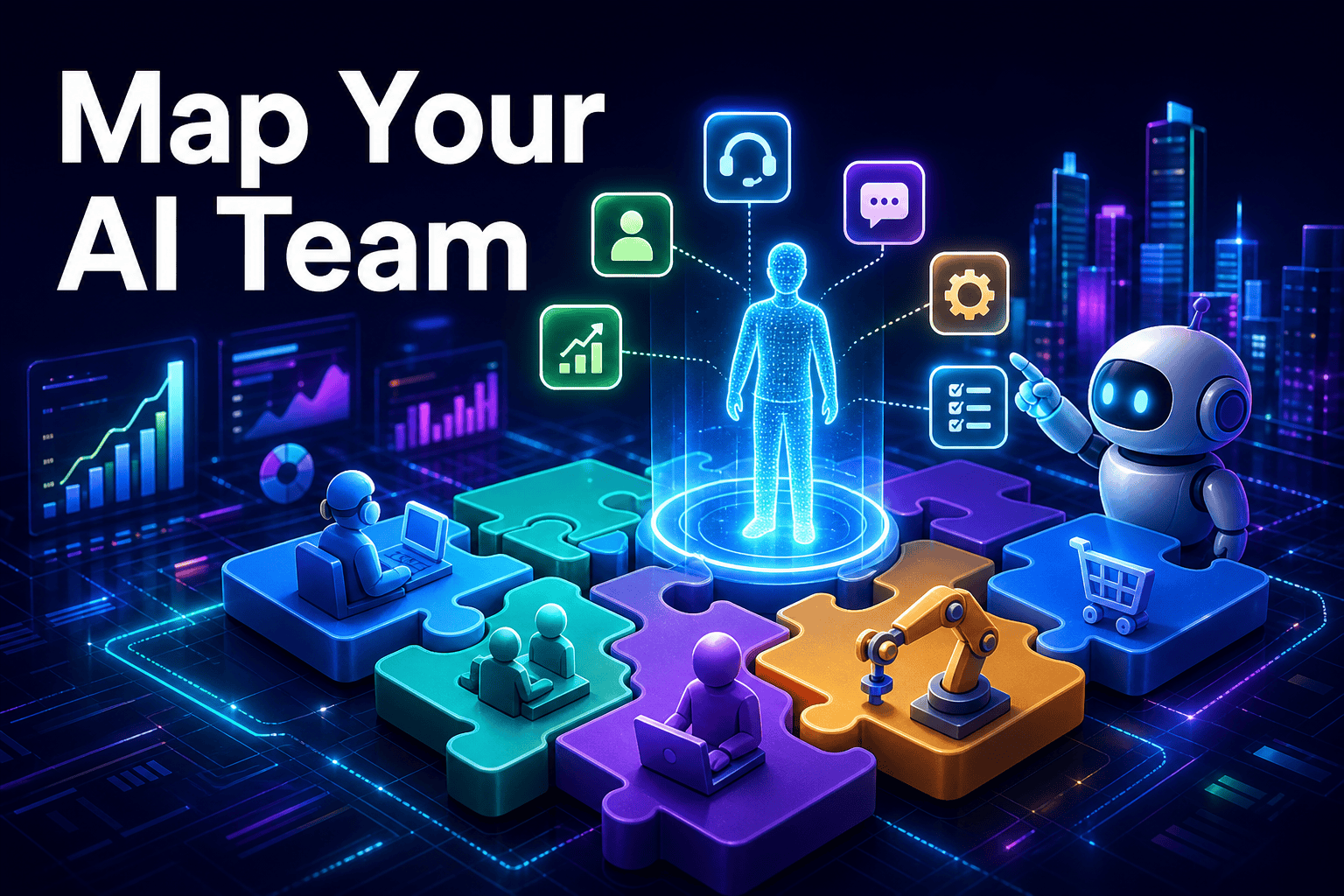
Workday has introduced a new product called Work Intelligence to help companies identify which roles, skills, and tasks can be automated or augmented by AI. Even if you do not use Workday, the message behind the launch matters: AI is moving from a side experiment to a real part of workforce planning.
For small and medium businesses, that shift is important. You do not need an enterprise budget to apply the same logic. You just need to look at the work your team does every week and decide where AI can take first-pass tasks, where it can assist, and where people should stay fully in control.
What Workday launched, in plain English
Workday introduced Work Intelligence, a product aimed at AI workforce planning. The core idea is straightforward: help companies see which tasks are a good fit for automation, which ones can be improved with AI support, and which ones still need human judgment.
That may sound like a tool for large HR departments, but the underlying question applies to almost every business. Owners everywhere are trying to figure out how AI fits into day-to-day work without creating confusion, extra overhead, or disconnected tools.
For an SMB, this usually shows up in practical places first: website inquiries, lead follow-up, repetitive support questions, CRM updates, internal summaries, and recurring admin work. The news matters because it reflects a wider move toward building an AI workforce around real tasks, not just testing random AI apps.
The big shift: from roles to tasks
The most useful lesson from this launch is to think in terms of tasks, not titles. Instead of asking whether AI can do a whole job, ask which parts of a job are repetitive, rules-based, easy to document, or already follow a clear pattern.
That is where ideas like AI employees become practical instead of vague. In most small businesses, AI works best when it handles first-pass work such as answering common questions, routing requests, drafting updates, summarizing conversations, or preparing the next action for a human teammate.
| Task type | Best use of AI | Common SMB examples |
|---|---|---|
| Repetitive inbound questions | AI handles the first response and routing | FAQs, basic pricing questions, appointment requests, order status |
| Structured internal admin | AI prepares, summarizes, or updates | CRM notes, meeting summaries, follow-up task creation |
| High-context decisions | Human leads, AI assists | Negotiations, custom proposals, complaints, escalations |
Once you break work down this way, AI becomes easier to evaluate. You are no longer looking for magic. You are matching a specific business problem to the right level of automation.
The smartest way to adopt AI is not to ask who it replaces, but which tasks it can handle first so your team has more time for judgment, relationships, and revenue-generating work.
A simple AI workforce framework for small business
You do not need enterprise software to start your own AI automation for small business planning. What you need is a clear map of where time goes, which tasks repeat often, and which workflows already have enough structure for an AI system to follow.
A good place to begin is with one team or one customer journey. Support, lead handling, and operations are usually easier starting points than complex strategic work because they already contain repeated actions and standard responses.
- List the tasks your team repeats every day or every week.
- Mark each task as AI can answer, AI can prepare, AI can route, or human must decide.
- Prioritize low-risk, high-volume workflows first.
- Define the source of truth for answers, policies, and next steps.
- Start with one workflow before expanding to the next.
This last step matters more than many owners expect. A powerful model without clear instructions, approved knowledge, or process boundaries often creates more review work for the team instead of freeing up time.
In other words, the planning layer comes before the tool layer. Workday’s announcement is a reminder that good AI adoption starts with work design, not just software selection.
From planning to execution with AI agents and MCP
Once you know which tasks should be automated or augmented, the next step is choosing tools that can actually operate inside your workflow. This is where AI agents for business become more useful than a simple chatbot, because they can follow instructions, use approved context, and move work from one step to the next.
For example, a customer interaction may begin in chat, continue through request triage, and end with a task for a human inside your CRM. That is much closer to real AI customer support than a standalone chat box that only produces text and goes nowhere.
Why MCP matters
To make that kind of workflow useful, AI needs safe access to business tools. This is why MCP servers matter. Using the Model Context Protocol, companies can give assistants structured ways to interact with systems, documents, and internal processes without stitching everything together manually each time.
In practical terms, this helps businesses connect assistants such as Claude or ChatGPT with the tools they already use. For SMB owners who want a simpler path, platforms like botb2b.ai are worth noting because they combine AI employees, an AI front desk for your website chat widget and Telegram, a free CRM with task boards, a catalog of AI models, and MCP servers that connect assistants to business tools without hiring a developer.
The key question is not whether a tool can chat. It is whether it can understand your workflow, use your knowledge, and move work forward in a controlled way.
What this means for your business
Workday’s launch is a useful signal for every owner watching AI closely. The next phase is not about chasing demos. It is about using AI to free up time in the parts of your business that repeat, stall, or pull people away from higher-value work.
- Review your work by task, not by job title.
- Start with high-volume, lower-risk workflows such as first-line support, lead triage, or recurring admin steps.
- Choose tools that can create tasks, update records, and use approved knowledge instead of only generating answers.
- Keep humans in charge where trust, exceptions, and judgment matter most.
If there is one takeaway from this story, it is this: start with the work. A small company does not need to copy an enterprise AI strategy. It needs a clear map of tasks, a sensible first use case, and tools that fit how the business already runs.
That is why this Workday news matters beyond the enterprise market. It reflects a broader shift toward a practical digital workforce, and SMBs that think in tasks now will be in a much better position to adopt AI calmly and usefully over time.